Event videos are more than just highlights—they’re your chance to tell a story, capture excitement, and extend the impact of your event well beyond its end. Whether it’s a corporate conference, a product launch, or a wedding, a well-crafted event video can be the key to engaging your audience, promoting your brand, and preserving long-lasting memories.
But how do you create a standout event video that resonates with viewers? This guide will walk you through everything you need to know—from planning and shooting to editing and sharing your masterpiece.
Why Event Videos Are Critical to Engagement
Before we get into the “how,” it’s worth understanding why event videos matter.
- Capture Memories
Events are fleeting, but videos make them timeless. Recording an event ensures that its most impactful moments can be revisited and cherished.
- Extend Reach
Only some people you invite can attend your event in person. Event videos allow you to share the experience with a broader audience online, fueling interest for future events.
- Boost Marketing Efforts
Videos are one of the most shareable forms of content on social media. Use your event video to build buzz, generate leads, or attract sponsors for your next event.
Now that we understand the importance, here’s how you can create an event video that ticks all the right boxes.
Step 1: Plan Your Event Video
The magic of a great event video starts with solid planning. Here’s what to focus on:
Define Your Objectives
What do you want to achieve with this video? Is it meant to create buzz on social media, attract future attendees, or provide sentimental value to participants? Defining your goals will shape everything from your shooting format to editing style.
Identify Your Target Audience
Understand who will be watching this video. Are they consumers, business executives, or potential corporate sponsors? Tailor your video’s length, tone, and content to appeal specifically to them.
Create a Shot List and Workflow
Prepare a detailed shot list to ensure you don’t miss any must-capture moments. For example:
- Speaker introductions
- Key audience reactions
- Close-ups of product highlights
- Dynamic group shots
Having a workflow will also help your crew understand key moments and timelines to prioritize.
Scout the Event Location
Visit the venue beforehand to get a sense of your shooting environment. Where is the best lighting? Where can you set up to capture dramatic angles? Identifying such details ahead of time will save you trouble during the shoot.
Step 2: Preparing the Right Equipment
The right equipment separates a professional-looking event video from an amateur one. Here’s what you’ll need:
Cameras
If possible, use professional-grade cameras for higher-quality footage. Consider having multiple cameras to capture various angles simultaneously.
Audio Recording Devices
Good visuals alone aren’t enough. Quality audio, such as a lapel mic for speakers or a sound recorder for crowd reactions, takes your video to the next level.
Stabilizers and Tripods
Shaky footage can distract viewers. Use stabilizers and tripods to keep your shots steady and professional.
Lighting Kits
Most indoor venues have dim or uneven lighting. Supplement with portable LED lights to ensure your subjects are well-lit.
Backup Batteries and Memory Cards
There’s nothing worse than running out of power or storage mid-shoot. Always carry spares.
Step 3: Shoot with Purpose
It’s game time! Whether you’re recording a product demo, keynote speech, or joyful celebration, these tips will help you capture it all.
Arrive Early
Set up and test your equipment well before the event begins to troubleshoot any technical issues.
Capture B-Roll
B-roll footage includes the small details that add depth to your video, like decorations, signage, or behind-the-scenes moments. These clips will help with dynamic transitions during editing.
Vary Your Angles
Don’t stick to one perspective. Use wide shots to show the venue layout, mid-shots for speakers, and close-ups for moments of emotion.
Prioritize Highlights
Focus on recording significant sections of the event, such as performances, awards, speeches, and crowd applause.
Be Unobtrusive
Blend into the background rather than interfering with the event’s natural flow, ensuring attendees have an authentic experience.
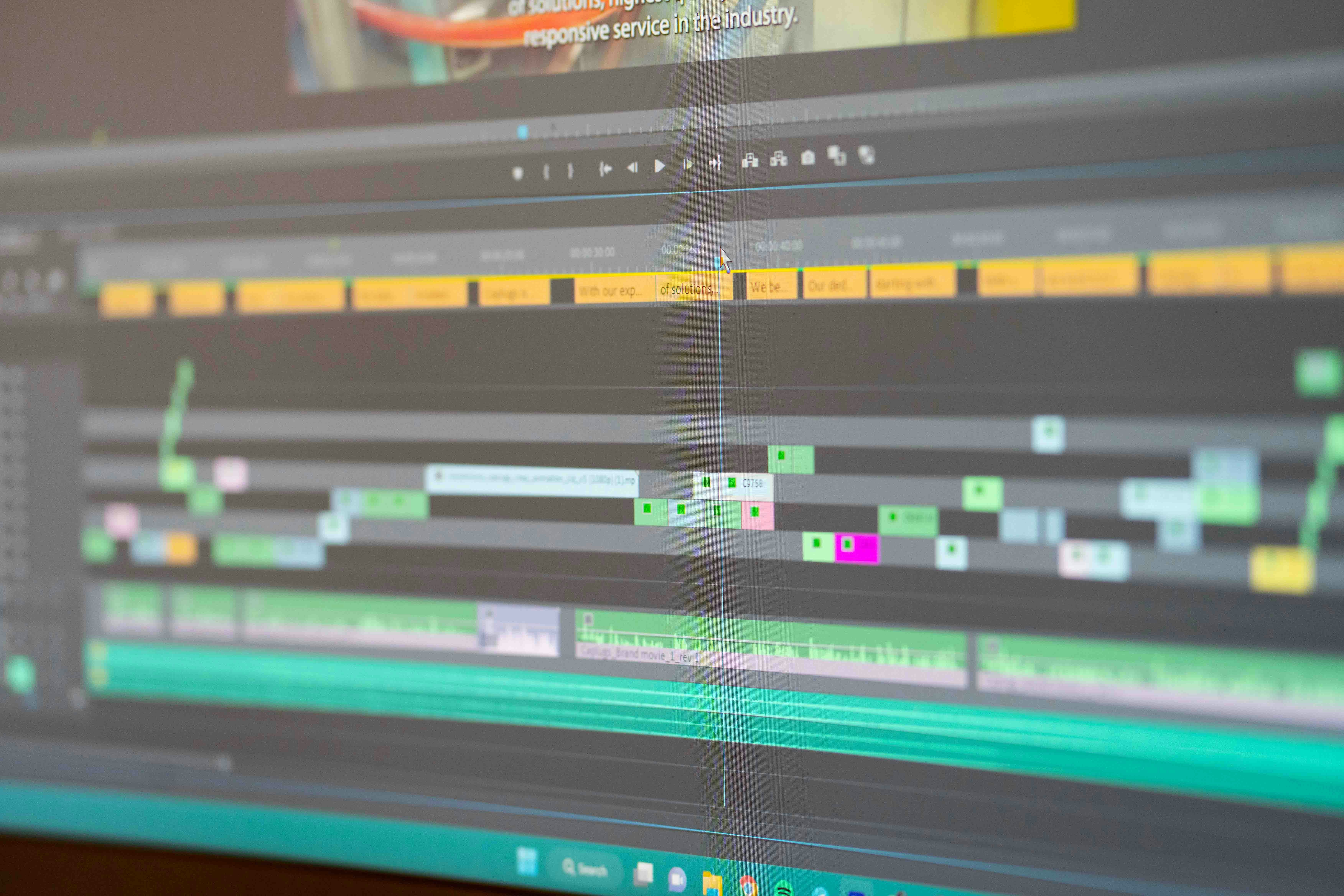
Step 4: Edit for Maximum Impact
Post-production is where your raw footage transforms into an engaging story. Here’s how to make the most of this stage:
Keep It Concise
Aim for a video length that retains attention while covering the essentials. A highlight video of 2–3 minutes works well for social media, while longer cuts can be used for formal presentations.
Craft a Narrative
Every video should tell a story. Use your video clips to structure a narrative arc, starting with an energetic intro, focusing on key highlights, and wrapping up with a strong conclusion.
Incorporate Music and Sound Design
The right soundtrack sets the tone for your video. Pick music that matches the event’s vibe—upbeat for energetic conferences or serene for heartfelt moments.
Add Titles and Graphics
On-screen titles, timestamps, or even animated effects can enhance your storytelling. Use branding elements to give the video a polished, cohesive feel.
Include Call-to-Actions (CTAs)
If this video is being used for marketing purposes, don’t miss the chance to include CTAs. For example, “Sign up for our next event” or “Follow us for more updates.”
Step 5: Share Your Masterpiece
Once your video is edited and ready, the next step is getting it in front of audiences. Here’s how:
Use Social Media
Post the video on platforms like Instagram, Facebook, and LinkedIn, and make the most of platform-specific features like Stories and Reels to reach your audience.
Email Campaigns
Embed your video in a post-event thank-you email to attendees, or use it in an email to invite others to your next event.
Host on Your Website
Create a landing page for event highlights and embed the video prominently. It boosts SEO and ensures visibility for new visitors.
Engage Your Community
Encourage attendees to share the video on their own platforms. You can even provide them with pre-written captions and hashtags.
Make It Yours
From planning and shooting to editing and distribution, creating a smashing event video requires thoughtful creativity, technical know-how, and meticulous organization. Every detail—and every shot—can help you craft a video that’s not only visually stunning but also emotionally impactful.
If you’re ready to step up your video game or need a helping hand, our team of video experts at DMP is here to help. Get in touch today to create a video that captivates your audience and makes your event unforgettable!